
BetPro Login on Mobile: How to Log In From Your Phone
Quick Summary
To log in to BetPro on mobile, open your dealer's login link in Chrome on Android or Safari on iPhone, enter your login ID and password, then add the page to your home screen. The same ID and password work in the browser and in the Android app. There is no iPhone app.
- On Android, use the app for one-tap opening, or the browser if you do not want to install anything.
- On iPhone, use Safari, then Share and Add to Home Screen.
- Logged out every time you switch apps? Set Chrome to Unrestricted in your battery settings and do not use an Incognito tab.
- If the page will not load, switch between Wi-Fi and mobile data.
- On a new phone, log in with the same details. Your account is not stored on the phone.
Most of our users never touch a computer. They check their balance on the bus, place a bet during the innings break, and ask for a withdrawal from bed. So the BetPro login on mobile is the one that matters.
The good news: you don't need anything special. The same login ID and password work in your phone's browser and in the app. The less good news: phones have a few habits of their own that quietly break logins. This guide covers the setup on Android and iPhone, then those phone-only problems and their fixes. 18+
Browser or App on Your Phone?
Both open the same account, so it comes down to your phone.
| Your situation | Use |
|---|---|
| Android, your own phone, you check BetPro every day | The app, for one-tap opening |
| iPhone | The browser (Safari). There's no iPhone app |
| Phone is nearly full, or very old | The browser. Nothing to install |
| Phone is shared with family | The browser, and log out each time |
BetPro Login on Android, Step by Step
- Open the login link your dealer sent you. If it opens inside WhatsApp, tap the three dots and choose Open in Chrome.
- Type your login ID and password, then tap Login.
- Once you're in, tap the three dots in Chrome and choose Add to Home screen. Name it BetPro.
- From now on, open BetPro from that icon. It opens straight on the right page.
BetPro Login on iPhone, Step by Step
- Open the login link in Safari, not inside WhatsApp or Instagram.
- Type your login ID and password, then tap Login.
- Tap the Share button (the square with an arrow), scroll down and tap Add to Home Screen.
- Use that icon from now on. It opens like an app, without the address bar.
If your login fails on the first try, the usual causes, like the keyboard capitalising your username or an old saved password, are the same on every device. They're all in our BetPro exchange login guide. Below are the problems that only happen on phones.
Phone-Only Problems and How to Fix Them
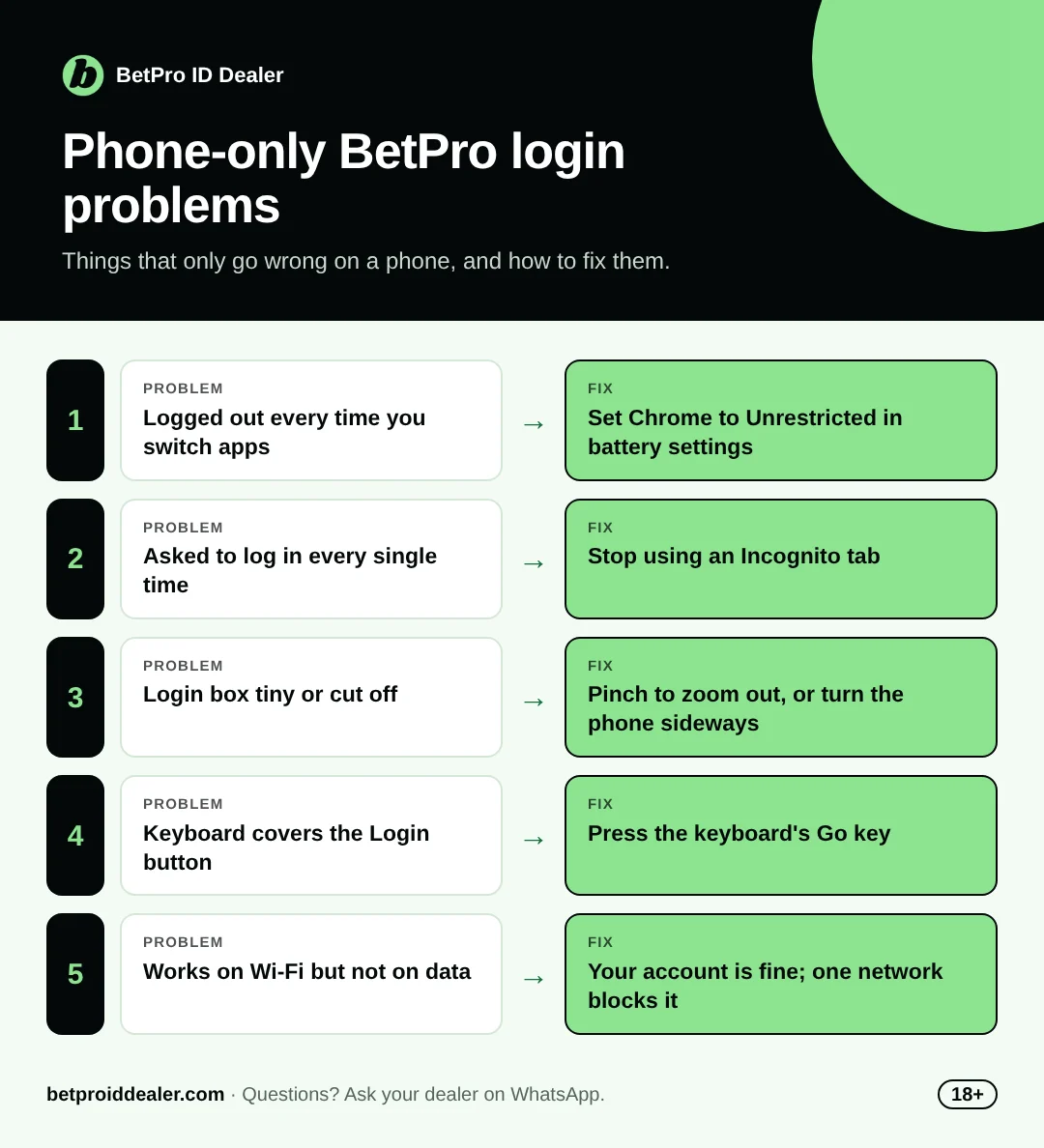
| What happens | Why it happens on phones | Fix |
|---|---|---|
| You get logged out every time you switch apps | Battery saver closes the browser in the background | Settings > Battery > find Chrome > set to "Unrestricted" or "No restrictions" |
| You have to log in again every single time | You're in an Incognito or Private tab | Open the link in a normal tab |
| The login box is tiny or cut off | The page is zoomed, or the phone's text size is set very large | Pinch to zoom out, or try the page in landscape |
| The keyboard covers the Login button | Small screen | Press the keyboard's Go or Enter key instead of tapping Login |
| The page loads halfway and stops | Weak signal, or you switched from Wi-Fi to data mid-load | Wait for full bars, then refresh once |
| It works on Wi-Fi at home but not on mobile data (or the other way) | One network may be blocking the site | Try the other one; if one works, your account is fine |
| Login works but the page is slow during a big match | Everyone is online at the same time | Close other apps and tabs, and give it a few seconds |
Staying Logged In: Convenient, but Think First
Staying logged in on your own phone saves time. It also means anyone holding your unlocked phone is inside your account. If you stay logged in, put a PIN or fingerprint lock on the phone.
If other people use your phone, log out every time and don't let the browser save your password. It's ten extra seconds each time, and it's your money.
Switching to a New Phone
Nothing moves with you, and nothing needs to. Your account isn't on the phone, so open the login link on the new one and sign in with the same details. The two things people forget:
- The saved password stayed on the old phone. If you can't remember it, ask your dealer for a reset.
- The home-screen icon didn't come across. Ask your dealer for the current link and save it again.
If you've lost track of your details, our guide to your login ID and password shows where to find them.
No Account Yet?
You'll need an ID before any of this works. With us it's free, and we send the login straight to your phone on WhatsApp. See how BetPro sign up works, or get your BetPro ID in Pakistan from us today.
Urdu Mein Short Jawab
Mobile par BetPro login kaise karein? Dealer ka link Chrome (Android) ya Safari (iPhone) mein kholein, ID aur password daalein, phir "Add to Home screen" kar lein.
Bar bar logout ho jata hai? Phone ki Battery settings mein Chrome ko "Unrestricted" kar dein, aur Incognito tab use na karein.
Quick Questions
Do I need the app to log in on my phone? No. The browser works on every phone. The app is just quicker to open on Android.
Can I be logged in on my phone and laptop at the same time? Switching between them is fine. If you're logged in on both at once, one session may end, so just log in again.
Does BetPro use a lot of mobile data? Checking your balance uses very little. Live match pages use more, so watch it on a small package.
My phone is old. Will BetPro still work? Usually yes, through the browser. Keep Chrome updated from the Play Store; a very old browser version is the most common reason pages won't load.
Get the Login Link on WhatsApp
18+